
Your digital mind
Simple & Secure
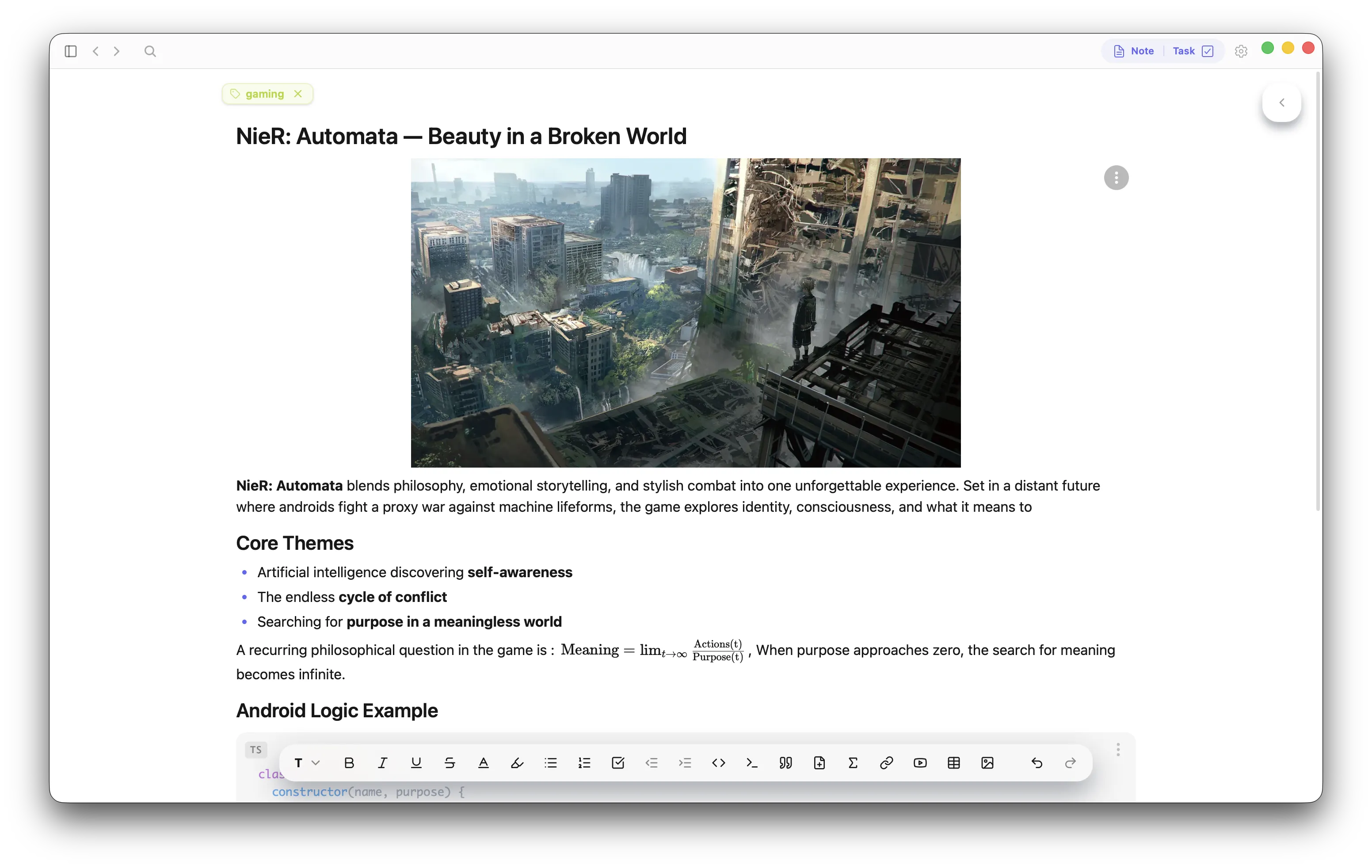
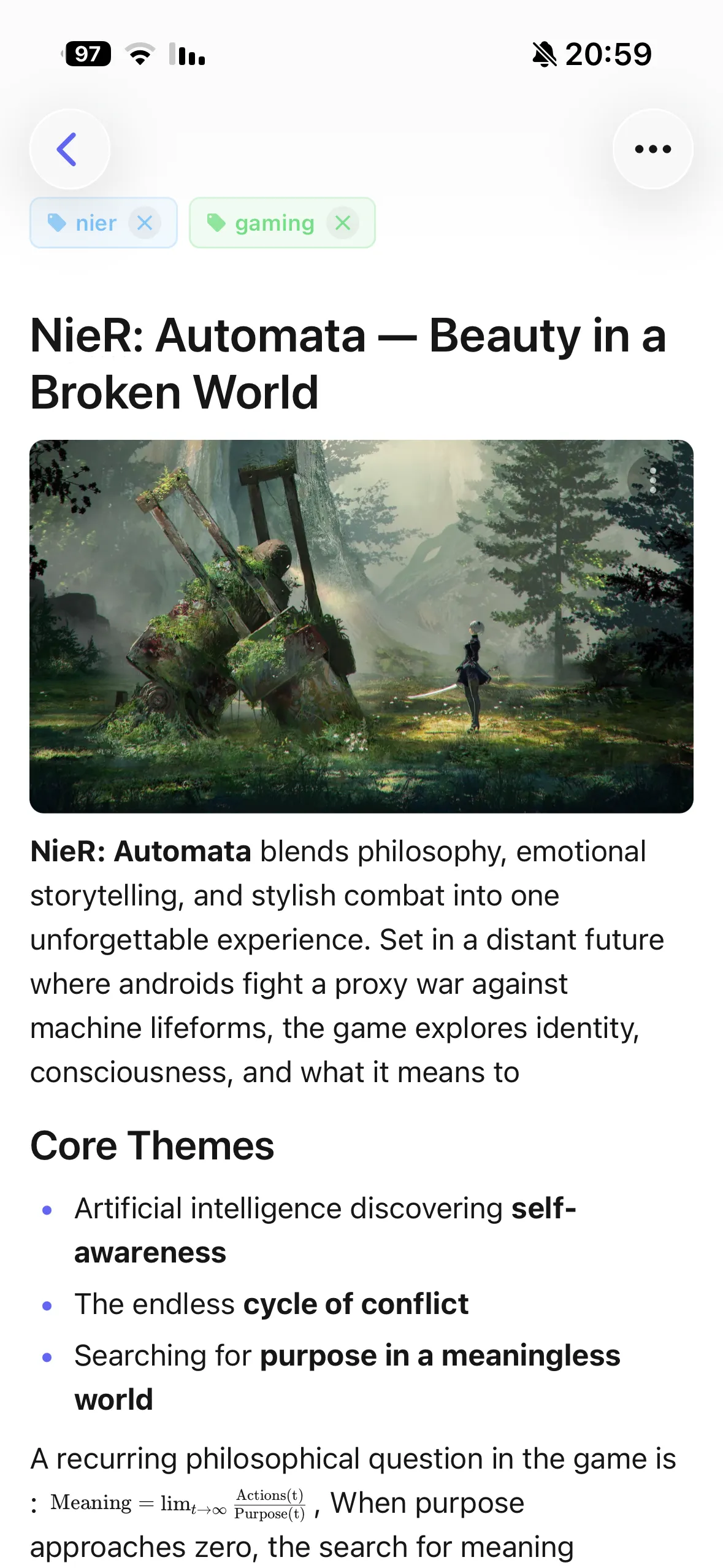
Engineered for Deep Thinking.
A high-performance personal workspace containing all the tools you need to capture, connect, study, and protect your digital mind.
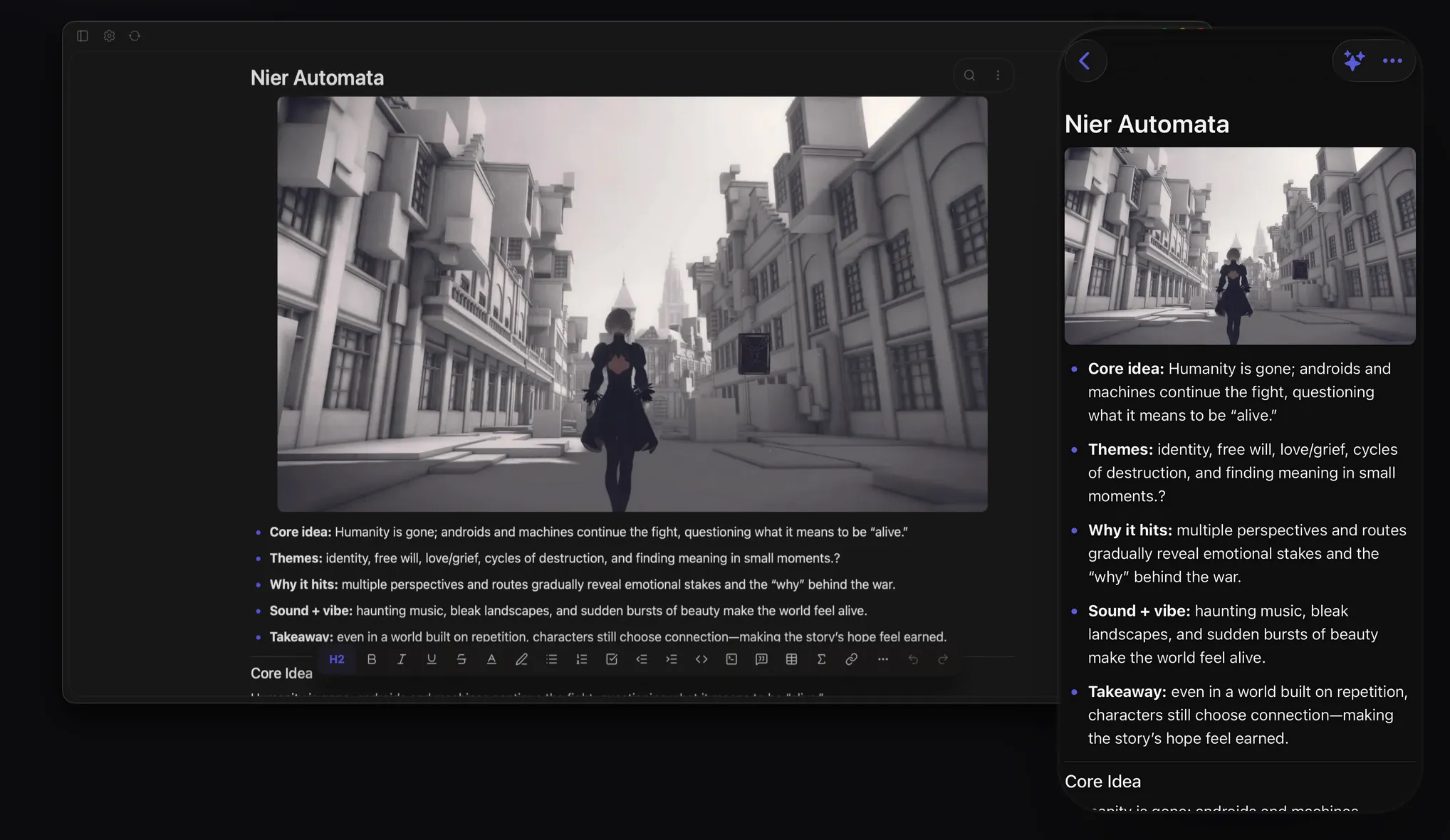
Rich Editor
Markdown support, block-based elements, and seamless layout
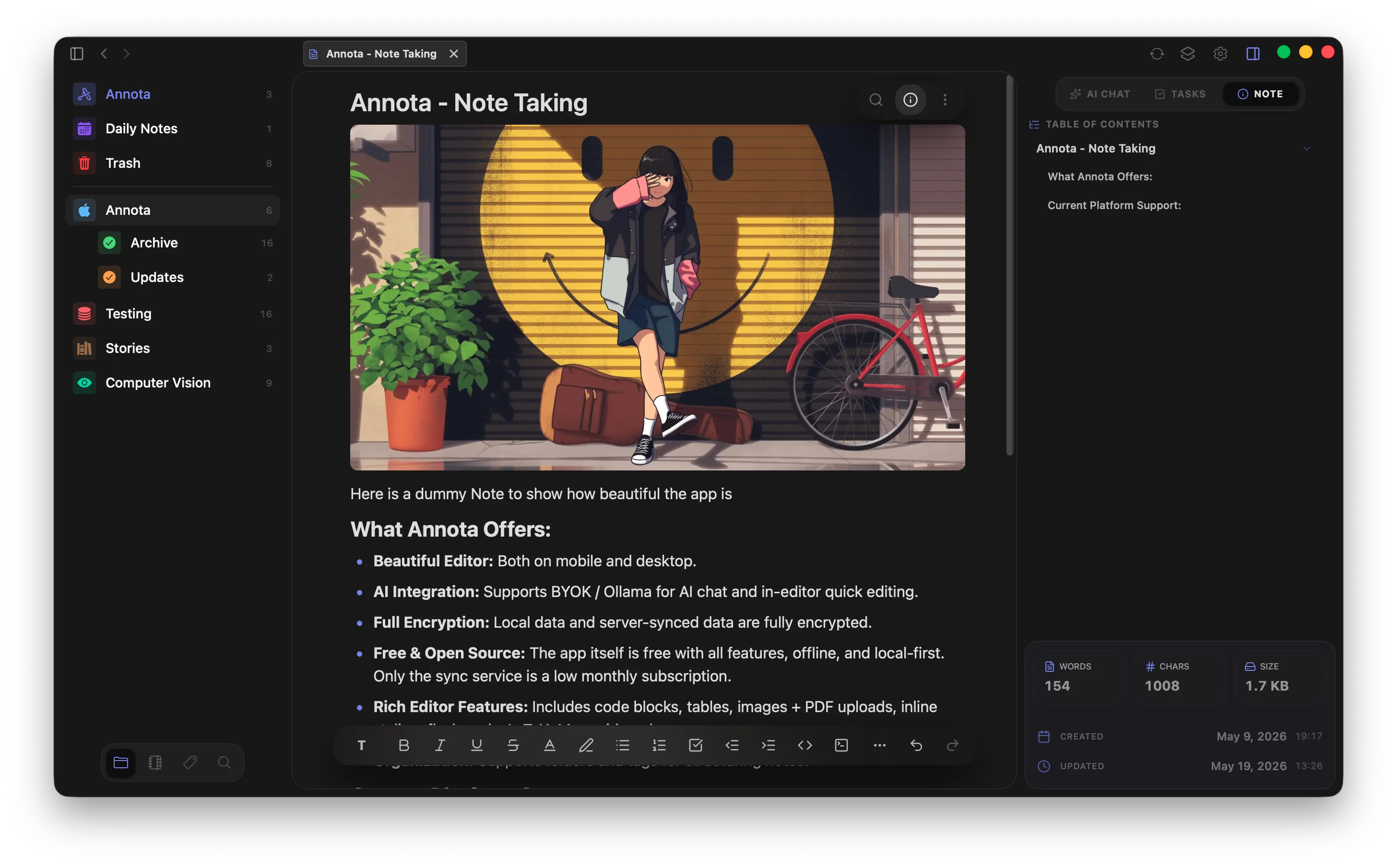
Organization
Organize your workflow with folders, tags, and tabs
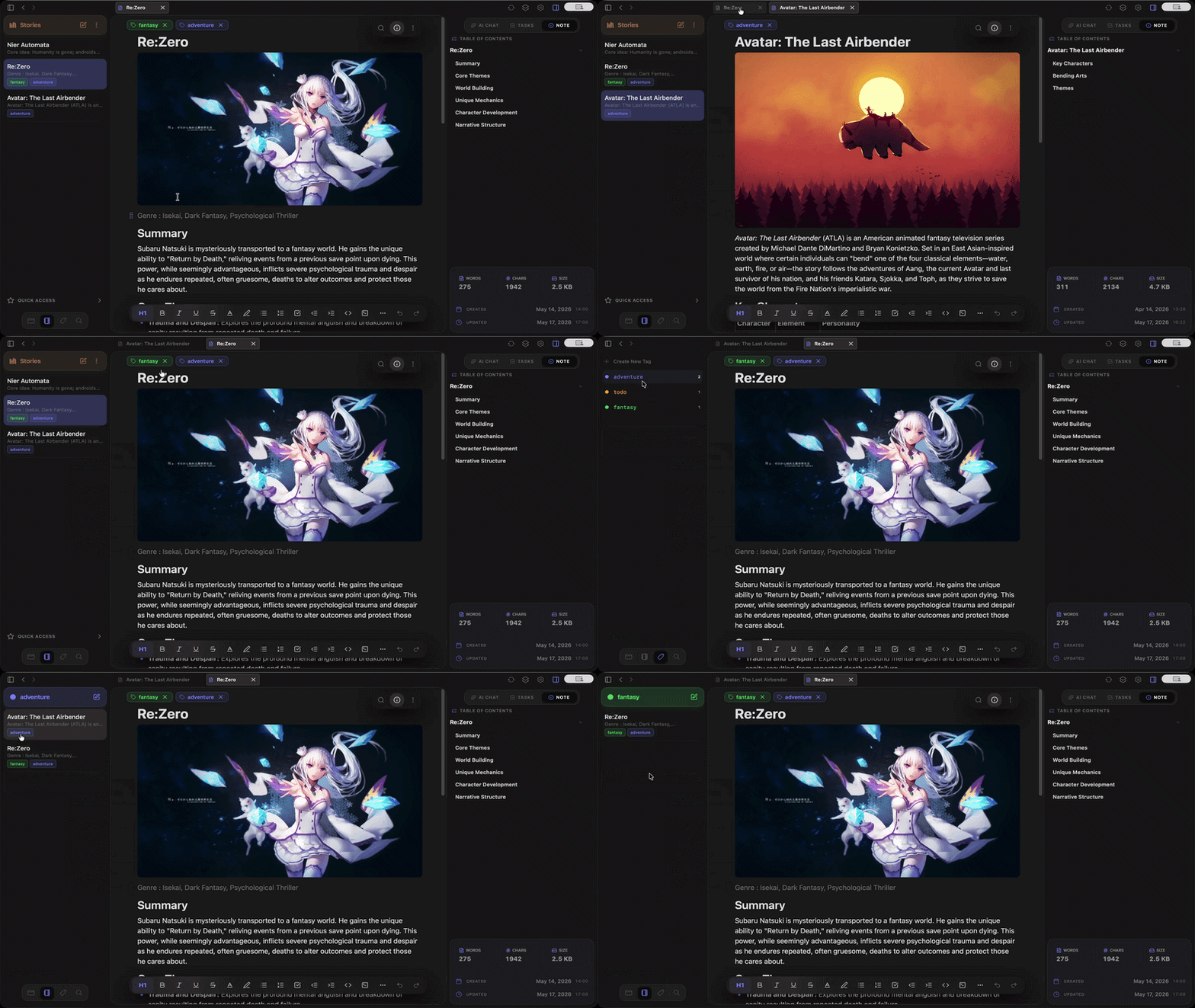
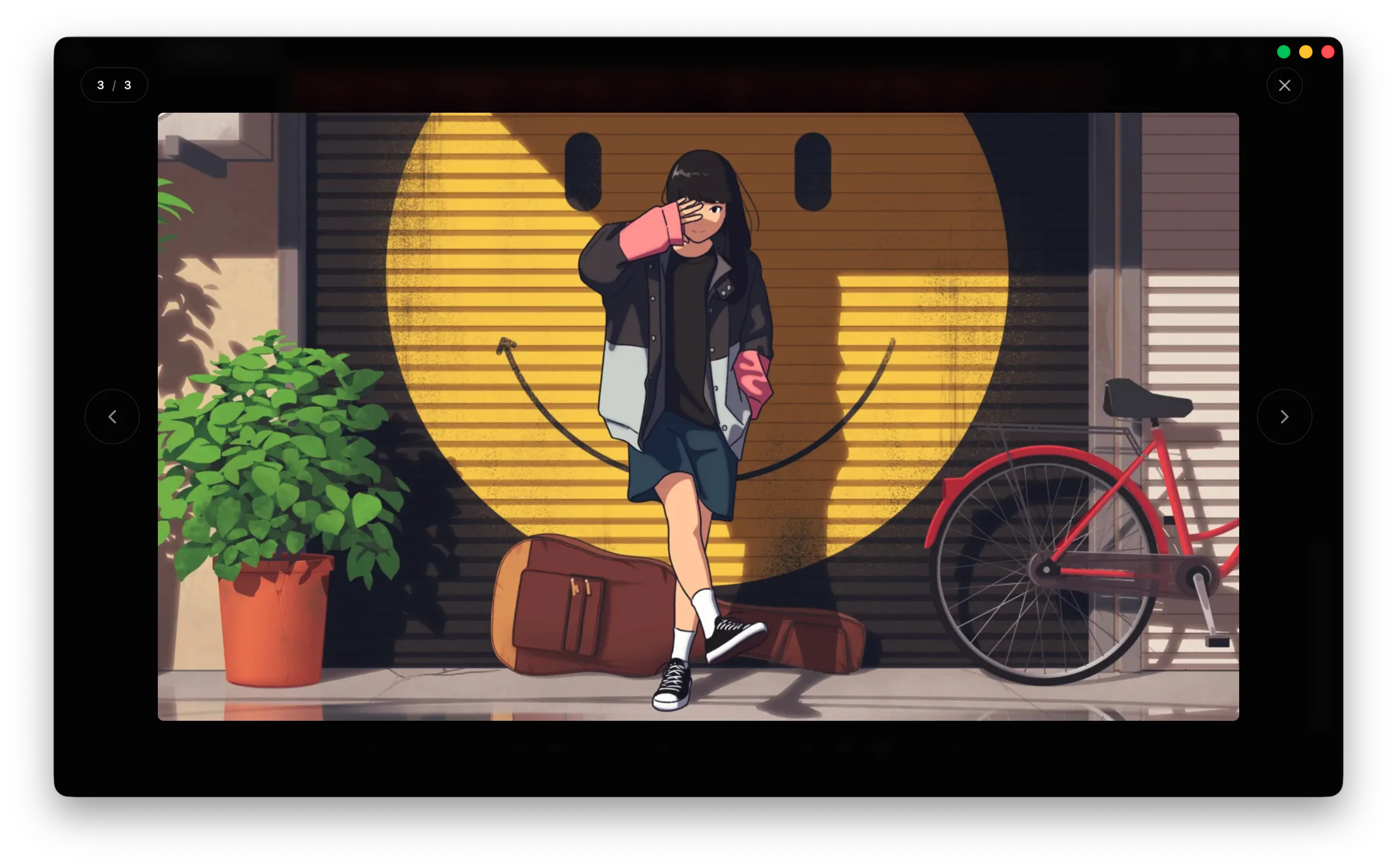
Customization
Personalize your space with accent colors, custom editor fonts, and more
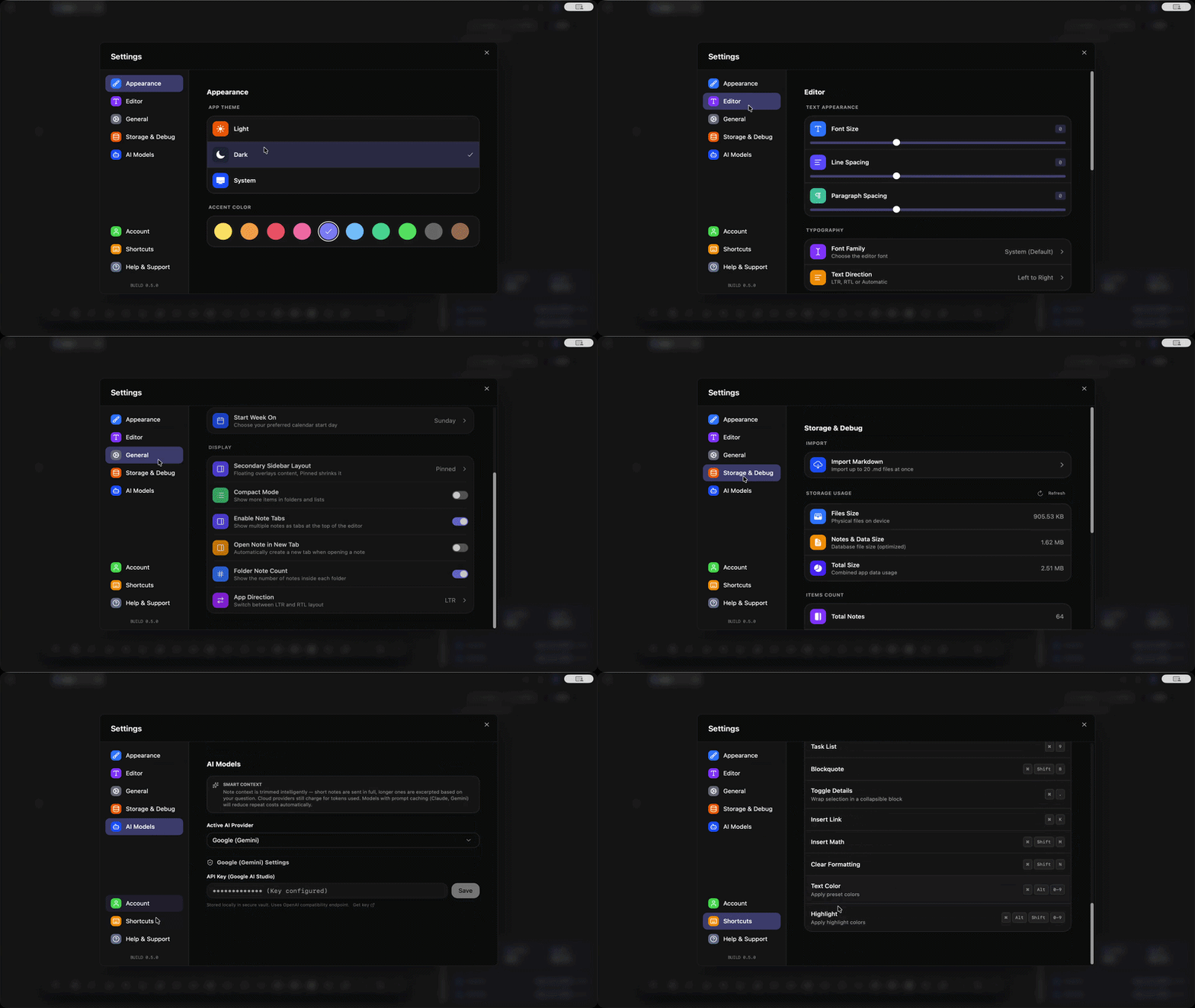
AI
Leverage the power of the AI chatbot and quick in-editor actions
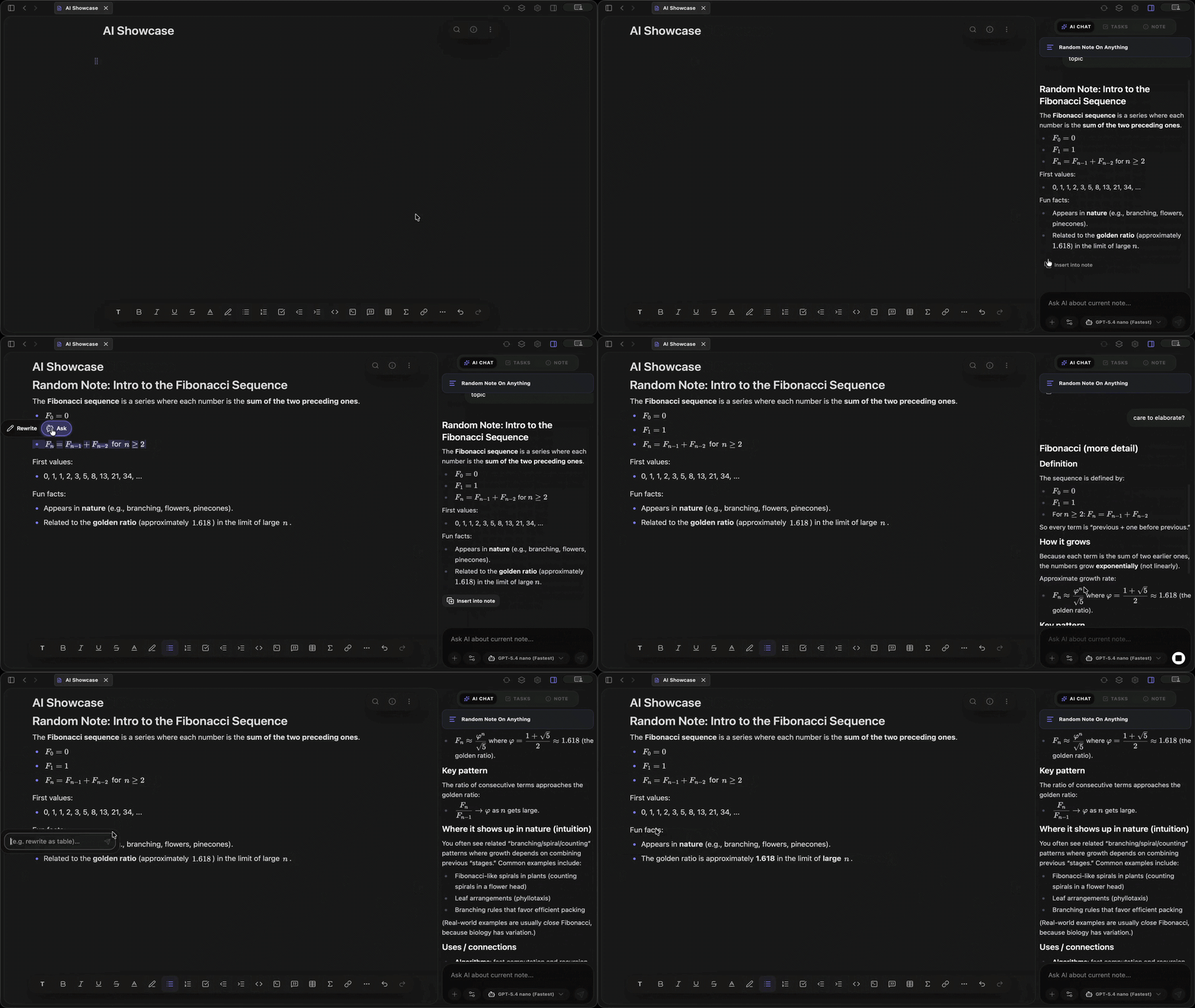
Flashcards
Create interactive study flashcards manually or generate them via AI
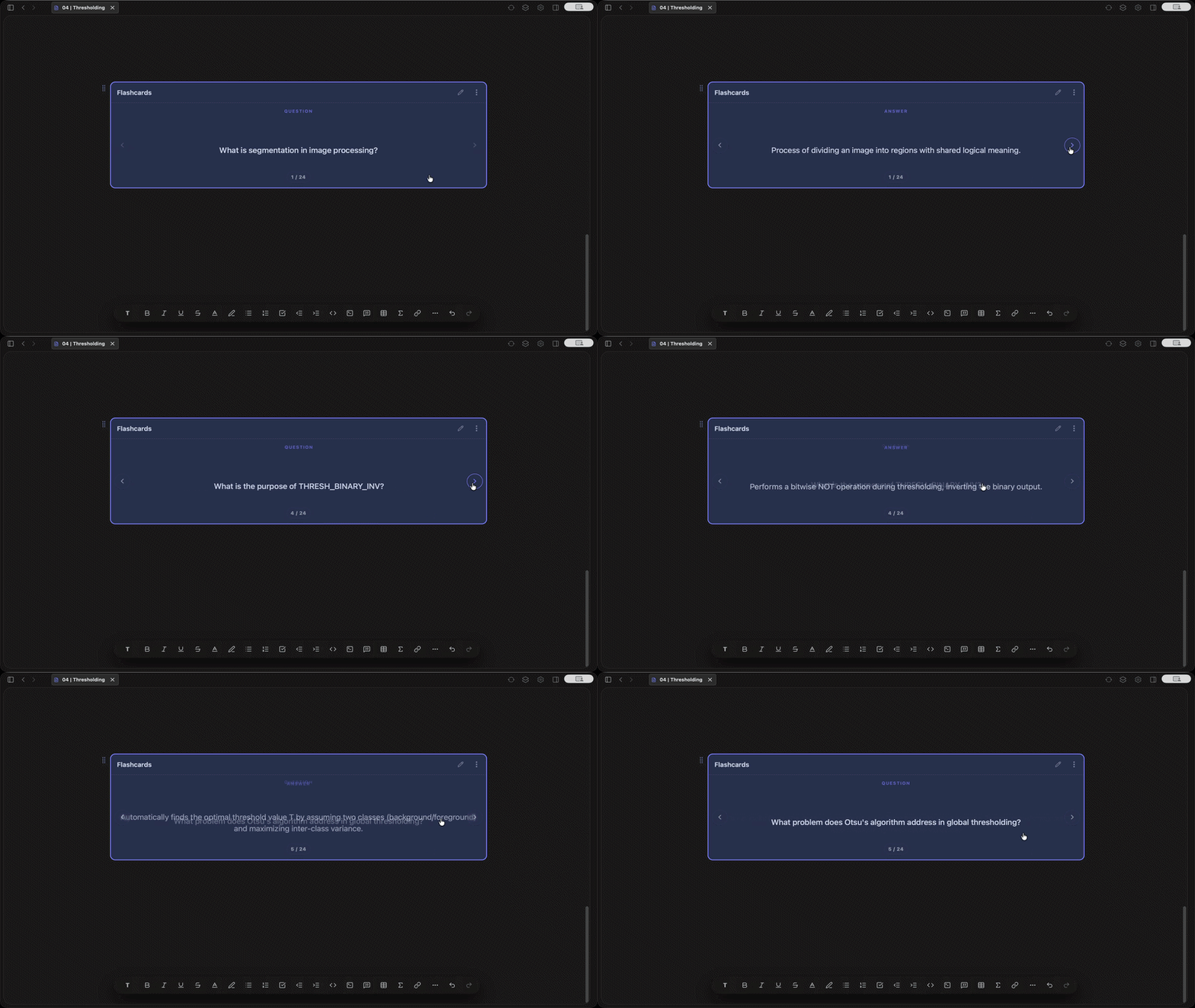
Image Gallery
Organize, search, and preview all your media assets in one place
Cross-Device Syncing
Keep your notes up to date across all devices automatically
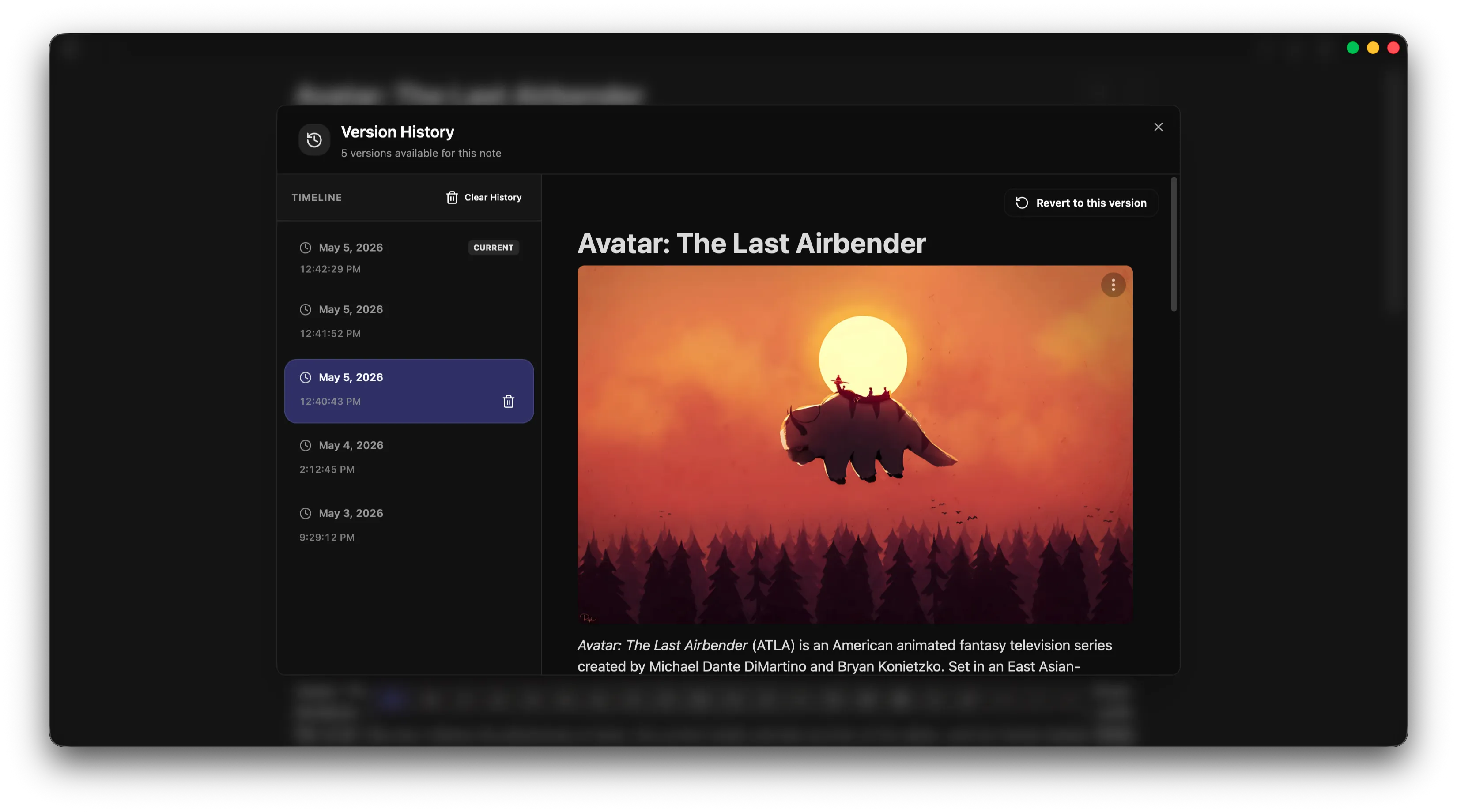
Version History
Easily track changes, restore, or view older note versions
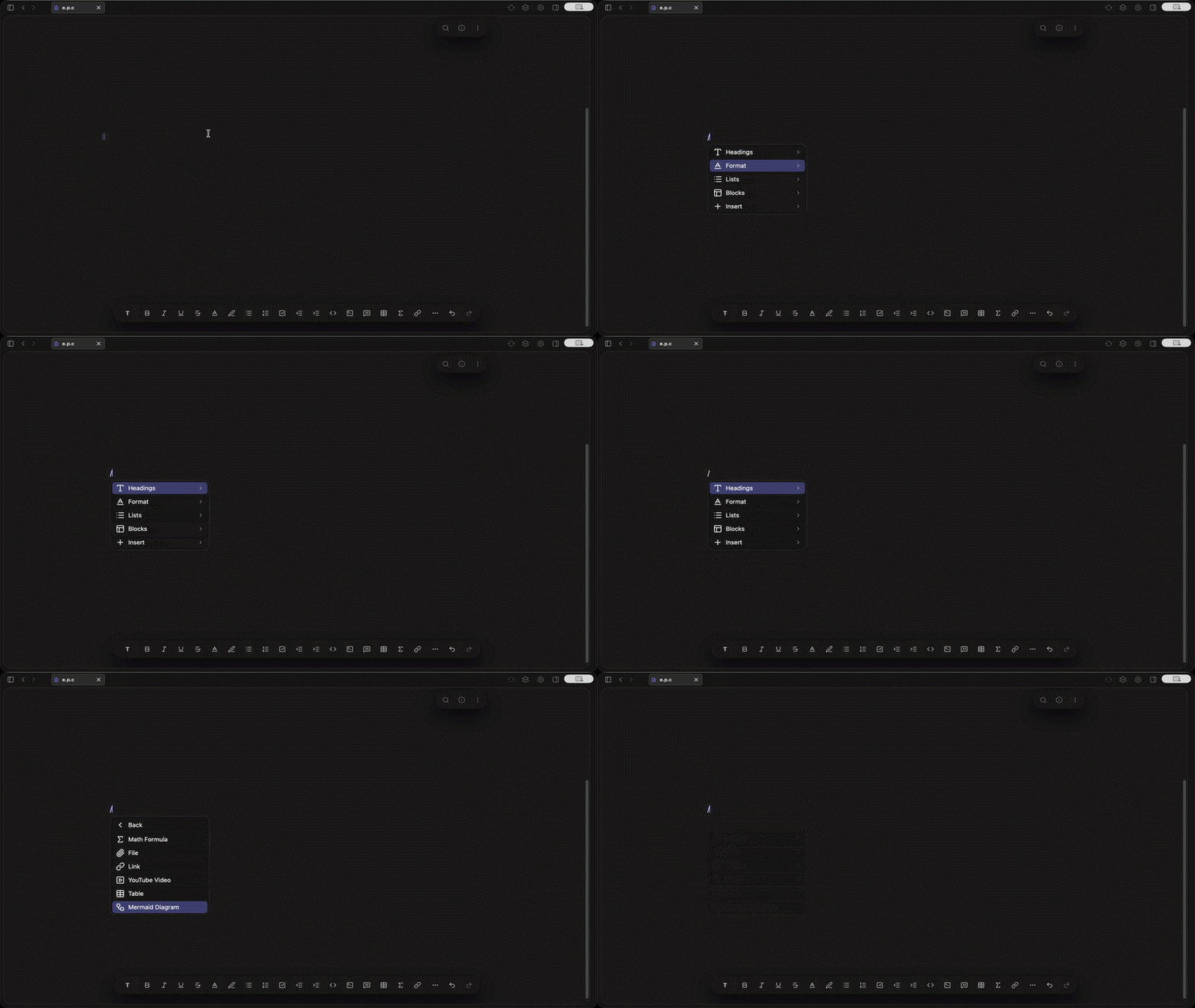
/ Commands
Format elements instantly using quick keyboard slash commands
E2E Encrypted
On device and also on the server - server see nothing.
Linked Notes
link between notes or specific blocks inside them and get back links.
Import / Export
Markdown / HTML / PDF, or publish notes online as sharable links
Frequently Asked Questions
Have more questions? Contact us at support@annota.online for direct support.